


Log in to leave a review and help others discover great tools.
No reviews yet
Be the first to share your experience with this tool!

 What is Explain An Error?
Explain An Error is a powerful debugging assistant that helps developers quickly understand and resolve errors in their code. By simply pasting an error message or describing the issue, users receive a clear, human-readable explanation of what went wrong, along with step-by-step guidance to fix it. This tool supports multiple programming languages including Python, JavaScript, Java, C++, Ruby, and more, making it versatile for full-stack development, data science, and system programming.
Key features include automatic detection of error type and root cause, suggested code corrections, and links to relevant documentation. The tool uses advanced natural language processing to parse cryptic error messages and translate them into actionable insights. For example, a 'SyntaxError: unexpected EOF while parsing' in Python is explained as an incomplete code block, with tips to check for missing parentheses or brackets. Similarly, a 'TypeError: undefined is not a function' in JavaScript is clarified as an attempt to call a non-function value, with advice to verify variable types.
Benefits include reduced debugging time, improved learning for junior developers, and fewer production incidents. Use cases range from individual developers working on personal projects to teams in agile environments who need rapid error resolution. Technical details: the tool processes errors via a REST API, requiring only the error message and optionally the code snippet and language. It returns a structured JSON with explanation, severity, and fix suggestions. The tool is designed to be lightweight and fast, with responses typically under 500ms. It does not store submitted errors, ensuring privacy. Pricing is based on a subscription model with tiers for individual developers, small teams, and enterprise users. The free tier allows up to 50 explanations per month, while paid plans offer unlimited usage, priority support, and integration with popular IDEs like VS Code and JetBrains. Overall, Explain An Error is an essential tool for any developer seeking to streamline their debugging workflow.
 Use Cases
No reviews yet
Be the first to share your experience with this tool!
No comments yet
Start the discussion!

 Inner AI
Inner AI is a cutting-edge platform designed to help you organize your thoughts, boost creativity, and accomplish tasks with unprecedented speed. By leveraging advanced artificial intelligence,...

 AI Assist by airfocus
AI Assist by airfocus is an AI-powered copywriting tool designed specifically for product managers. It helps you quickly generate high-quality product descriptions, feature lists, user stories,...

 Soorla
Soorla is an AI experience designed to decode what it calls “soul resonance”. Instead of asking personal questions, it presents users with 22 stages of symbolic...
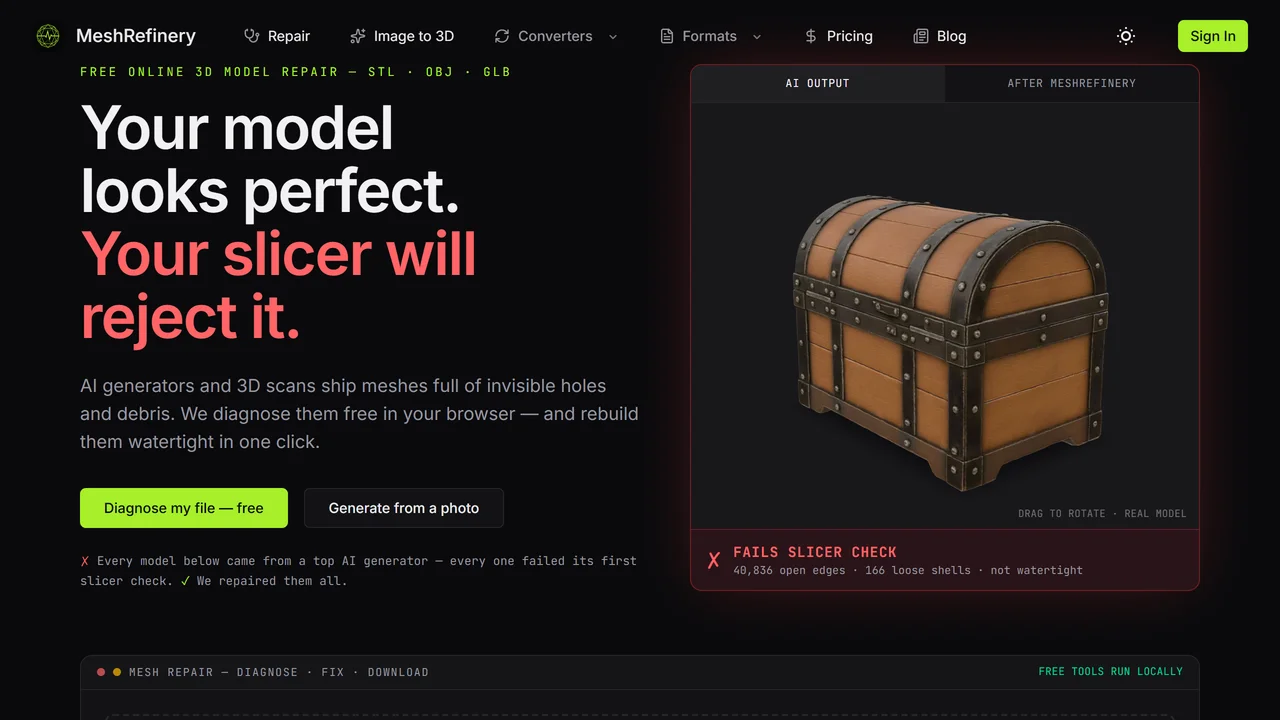
 Meshrefinery
MeshRefinery is a free online AI-powered tool that automatically repairs 3D models in STL, OBJ, and GLB formats. Fix holes, non-manifold edges, and other common errors...
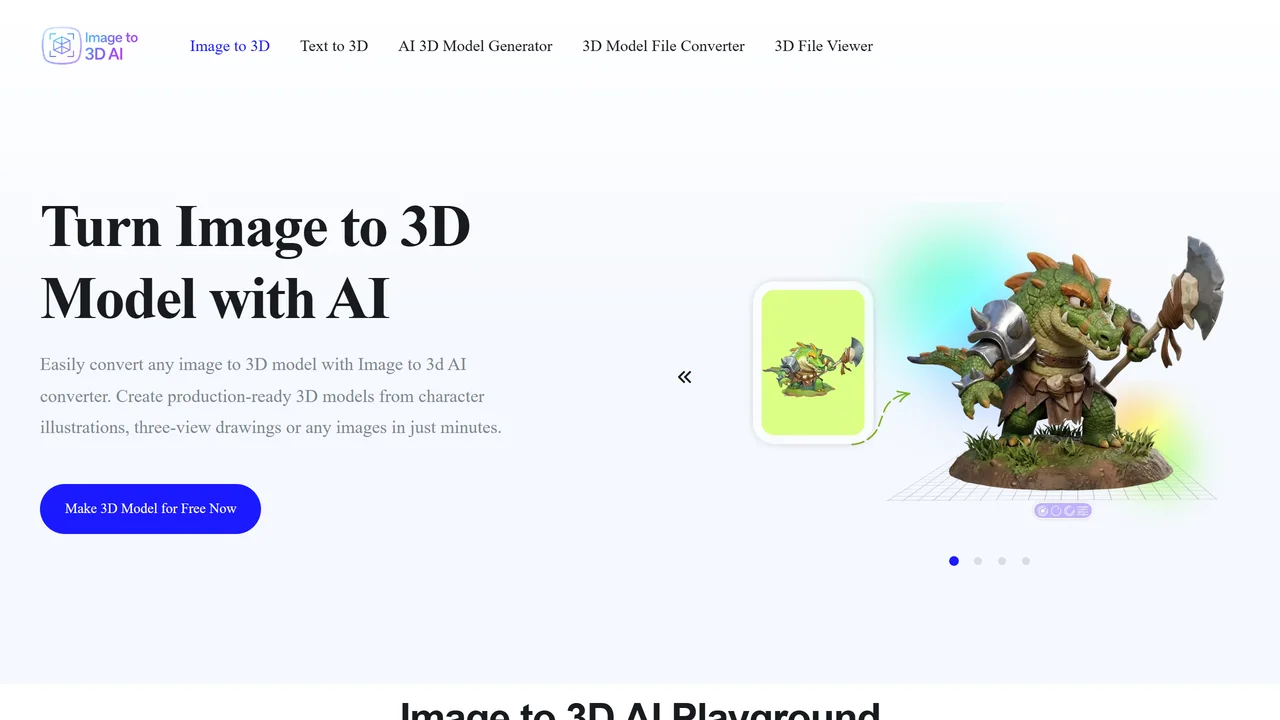
 Image to 3D AI
Image to 3D AI is a powerful online tool that transforms images and text prompts into high-quality 3D models in seconds. Designed for developers, designers, hobbyists,...
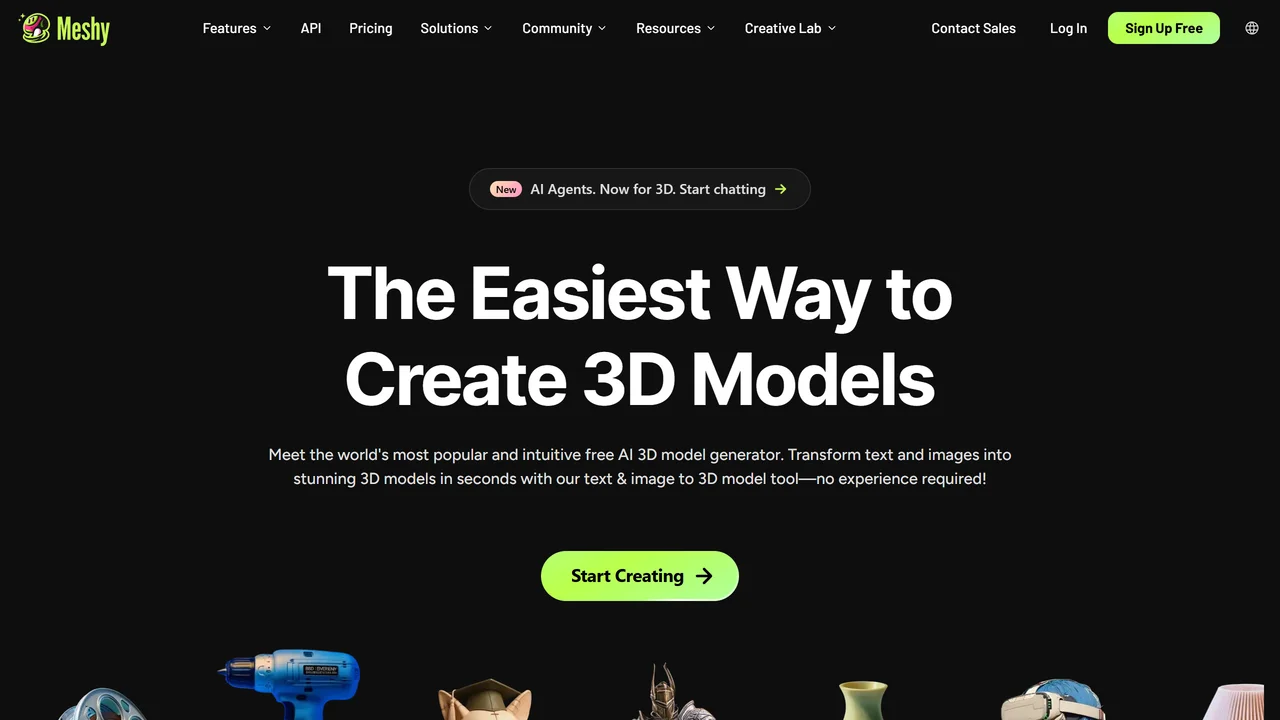
 Meshy AI
Meshy AI is a cutting-edge 3D model generator that transforms text prompts or images into production-ready 3D models in under a minute. Designed for game developers,...
Inner AI
Inner AI is a cutting-edge platform designed to help you organize your thoughts, boost creativity, and accomplish tasks with unprecedented speed. By leveraging advanced artificial intelligence,...
AI Assist by airfocus
AI Assist by airfocus is an AI-powered copywriting tool designed specifically for product managers. It helps you quickly generate high-quality product descriptions, feature lists, user stories,...
Soorla
Soorla is an AI experience designed to decode what it calls “soul resonance”. Instead of asking personal questions, it presents users with 22 stages of symbolic...
Meshrefinery
MeshRefinery is a free online AI-powered tool that automatically repairs 3D models in STL, OBJ, and GLB formats. Fix holes, non-manifold edges, and other common errors...
Image to 3D AI
Image to 3D AI is a powerful online tool that transforms images and text prompts into high-quality 3D models in seconds. Designed for developers, designers, hobbyists,...
Meshy AI
Meshy AI is a cutting-edge 3D model generator that transforms text prompts or images into production-ready 3D models in under a minute. Designed for game developers,...


