


Log in to leave a review and help others discover great tools.
No reviews yet
Be the first to share your experience with this tool!
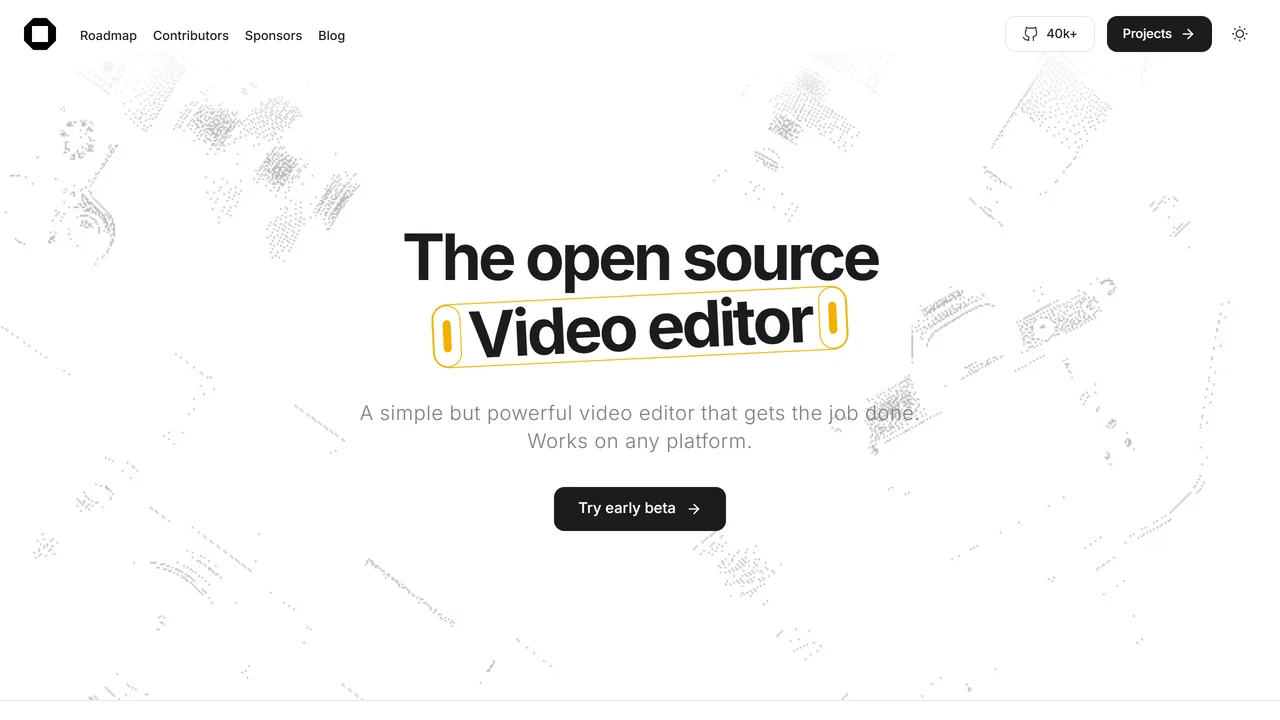
 What is OpenCut?
OpenCut is a simple yet powerful video editor that runs entirely in your browser, eliminating the need for complex software installations or hefty system requirements. Designed for creators who value efficiency and privacy, OpenCut offers a streamlined editing experience that feels intuitive from the first click. Whether you're trimming clips, merging videos, adding transitions, or adjusting audio levels, OpenCut provides all the essential tools without overwhelming you with unnecessary features.
One of its standout benefits is cross-platform compatibility—it works seamlessly on Windows, macOS, Linux, and even Chromebooks, as long as you have a modern web browser. This makes it an ideal choice for remote teams, freelancers, or anyone who needs to edit videos on the go without being tied to a specific device. Additionally, OpenCut prioritizes user privacy: all video processing happens locally in your browser, meaning your files never leave your computer. This privacy-first approach is perfect for handling sensitive content or for users who are cautious about cloud-based services.
Use cases for OpenCut range from quick social media edits to more polished presentations. Social media managers can rapidly cut and resize videos for platforms like TikTok, Instagram, or YouTube. Educators can trim lecture recordings or merge clips for online courses. Small business owners can create promotional videos without investing in expensive software. Even hobbyists will appreciate the simplicity of dragging and dropping files to get started.
Technically, OpenCut leverages modern web technologies like WebAssembly and the MediaStream API to deliver near-native performance. It supports common video formats (MP4, WebM, MOV) and resolutions up to 4K. The interface is clean and responsive, with a timeline-based editor that allows for precise cuts and adjustments. Export options include preset resolutions for various platforms, ensuring optimized output without manual configuration. While it may lack advanced features like multi-track editing or color grading, OpenCut excels at what it does: providing a fast, secure, and user-friendly editing experience for everyday video tasks.
 Key Features
 Who is it for?
content creators, social media managers, remote teams, freelancers, video editors, privacy, conscious users, educators, small business owners
No reviews yet
Be the first to share your experience with this tool!
No comments yet
Start the discussion!

 Inner AI
Inner AI is a cutting-edge platform designed to help you organize your thoughts, boost creativity, and accomplish tasks with unprecedented speed. By leveraging advanced artificial intelligence,...
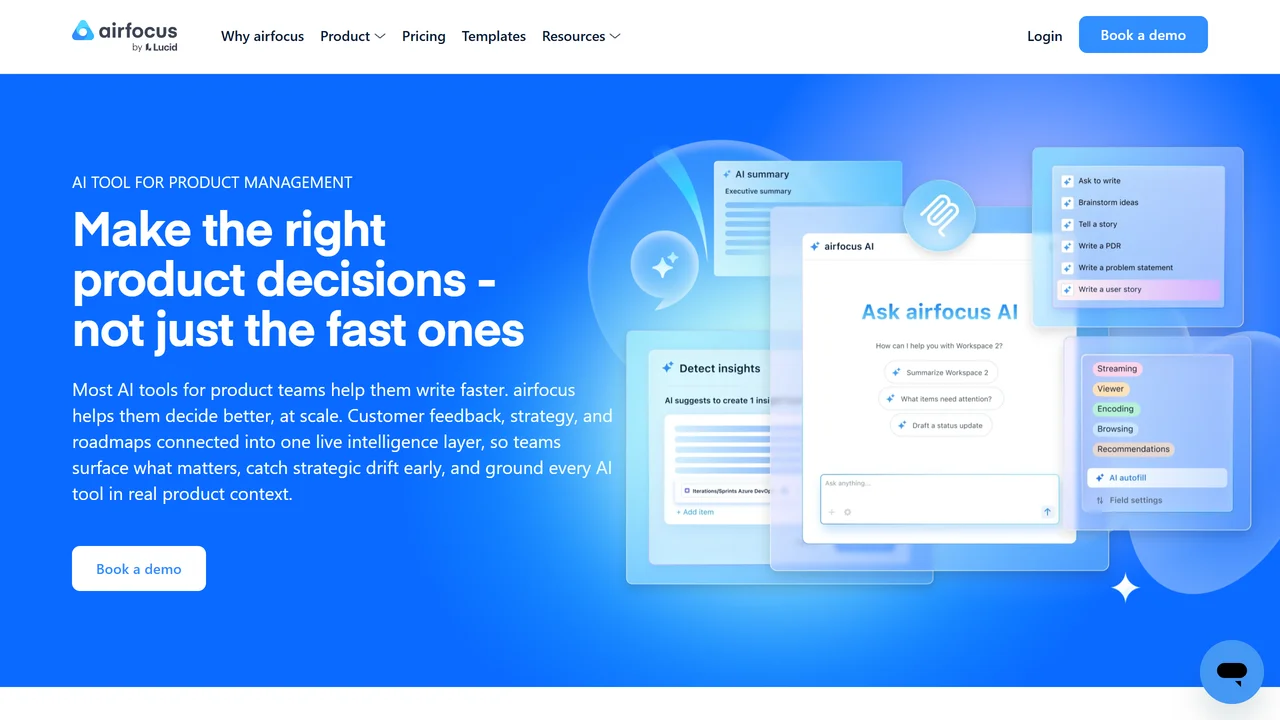
 AI Assist by airfocus
AI Assist by airfocus is an AI-powered copywriting tool designed specifically for product managers. It helps you quickly generate high-quality product descriptions, feature lists, user stories,...

 Soorla
Soorla is an AI experience designed to decode what it calls “soul resonance”. Instead of asking personal questions, it presents users with 22 stages of symbolic...
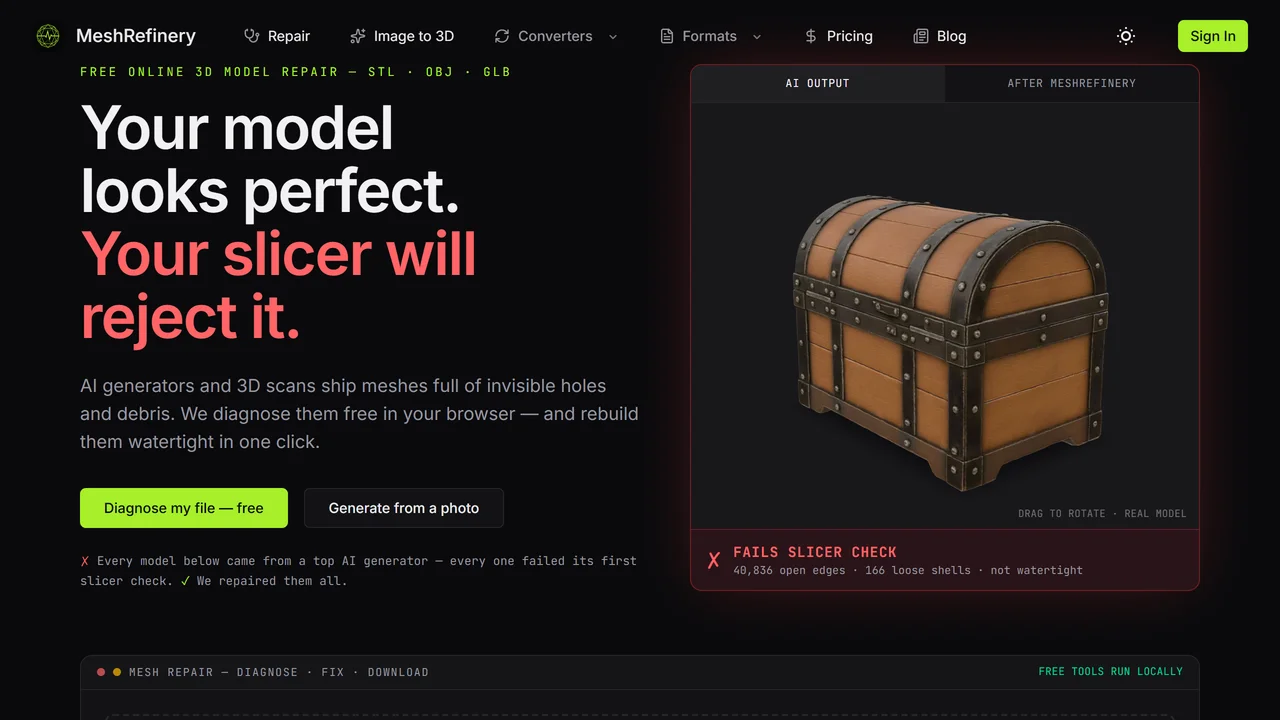
 Meshrefinery
MeshRefinery is a free online AI-powered tool that automatically repairs 3D models in STL, OBJ, and GLB formats. Fix holes, non-manifold edges, and other common errors...
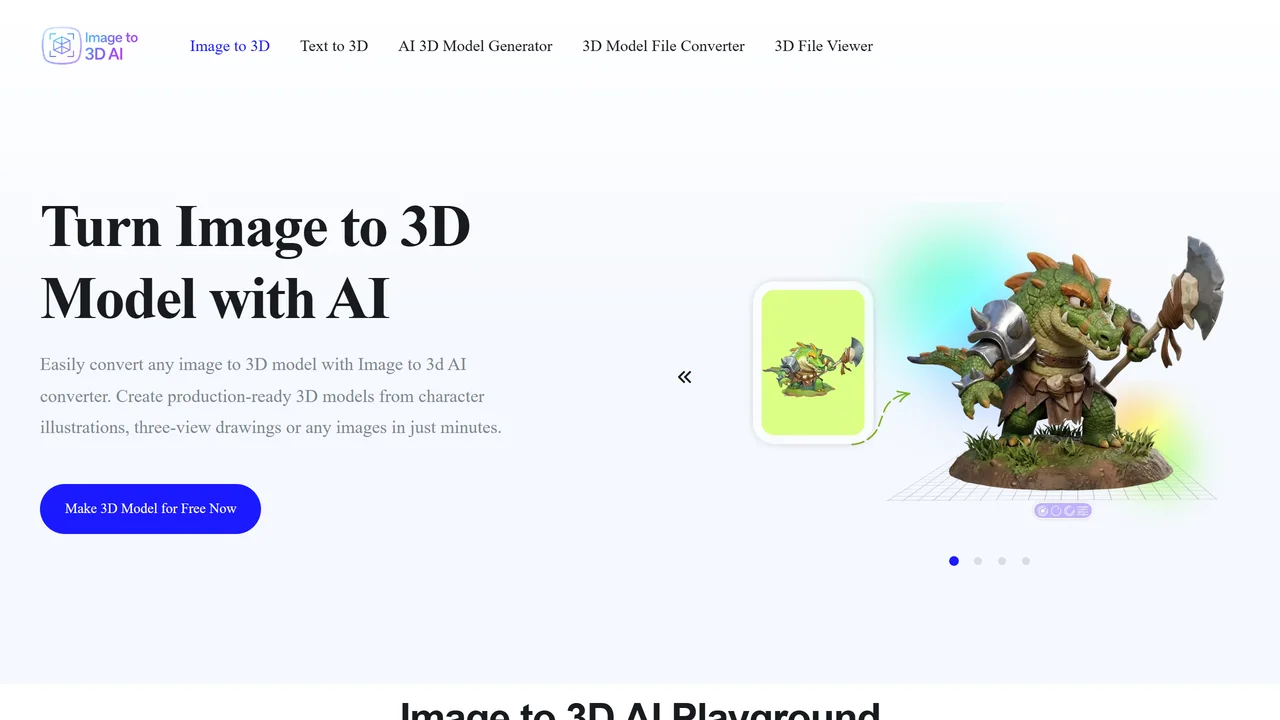
 Image to 3D AI
Image to 3D AI is a powerful online tool that transforms images and text prompts into high-quality 3D models in seconds. Designed for developers, designers, hobbyists,...
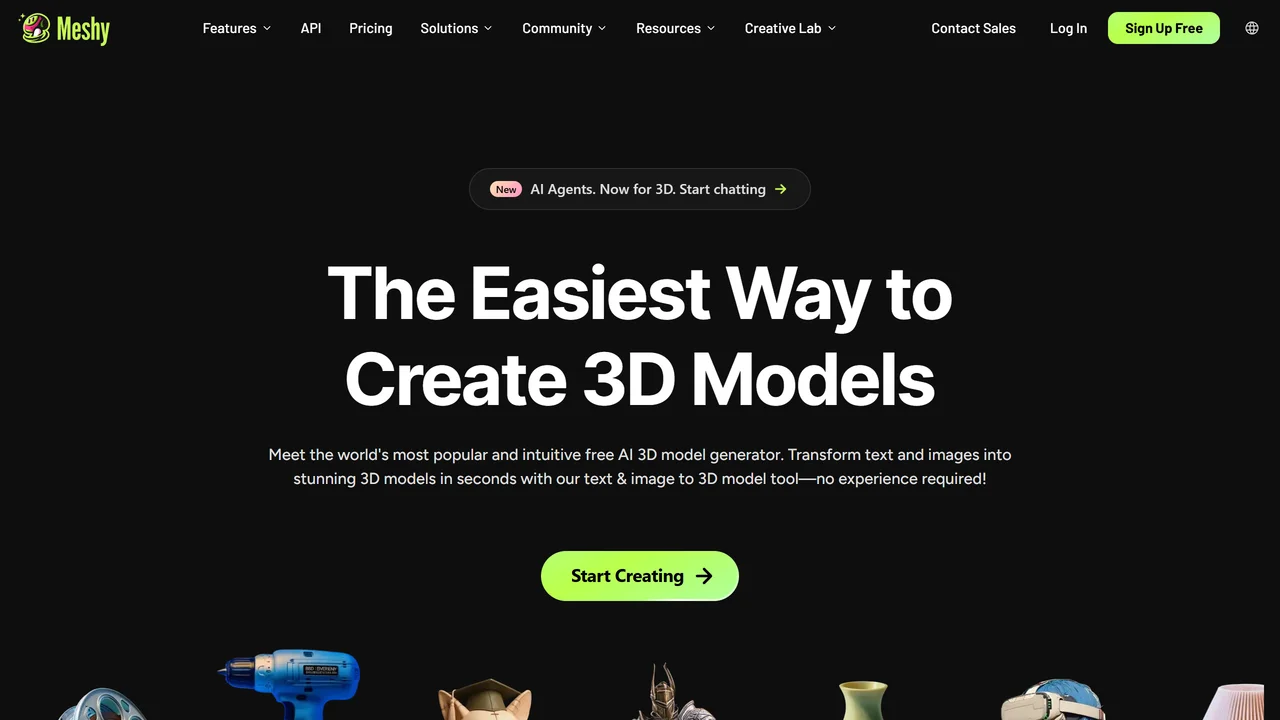
 Meshy AI
Meshy AI is a cutting-edge 3D model generator that transforms text prompts or images into production-ready 3D models in under a minute. Designed for game developers,...
Inner AI
Inner AI is a cutting-edge platform designed to help you organize your thoughts, boost creativity, and accomplish tasks with unprecedented speed. By leveraging advanced artificial intelligence,...
AI Assist by airfocus
AI Assist by airfocus is an AI-powered copywriting tool designed specifically for product managers. It helps you quickly generate high-quality product descriptions, feature lists, user stories,...
Soorla
Soorla is an AI experience designed to decode what it calls “soul resonance”. Instead of asking personal questions, it presents users with 22 stages of symbolic...
Meshrefinery
MeshRefinery is a free online AI-powered tool that automatically repairs 3D models in STL, OBJ, and GLB formats. Fix holes, non-manifold edges, and other common errors...
Image to 3D AI
Image to 3D AI is a powerful online tool that transforms images and text prompts into high-quality 3D models in seconds. Designed for developers, designers, hobbyists,...
Meshy AI
Meshy AI is a cutting-edge 3D model generator that transforms text prompts or images into production-ready 3D models in under a minute. Designed for game developers,...


